 strenos
Plan, train and track your progress in one app.
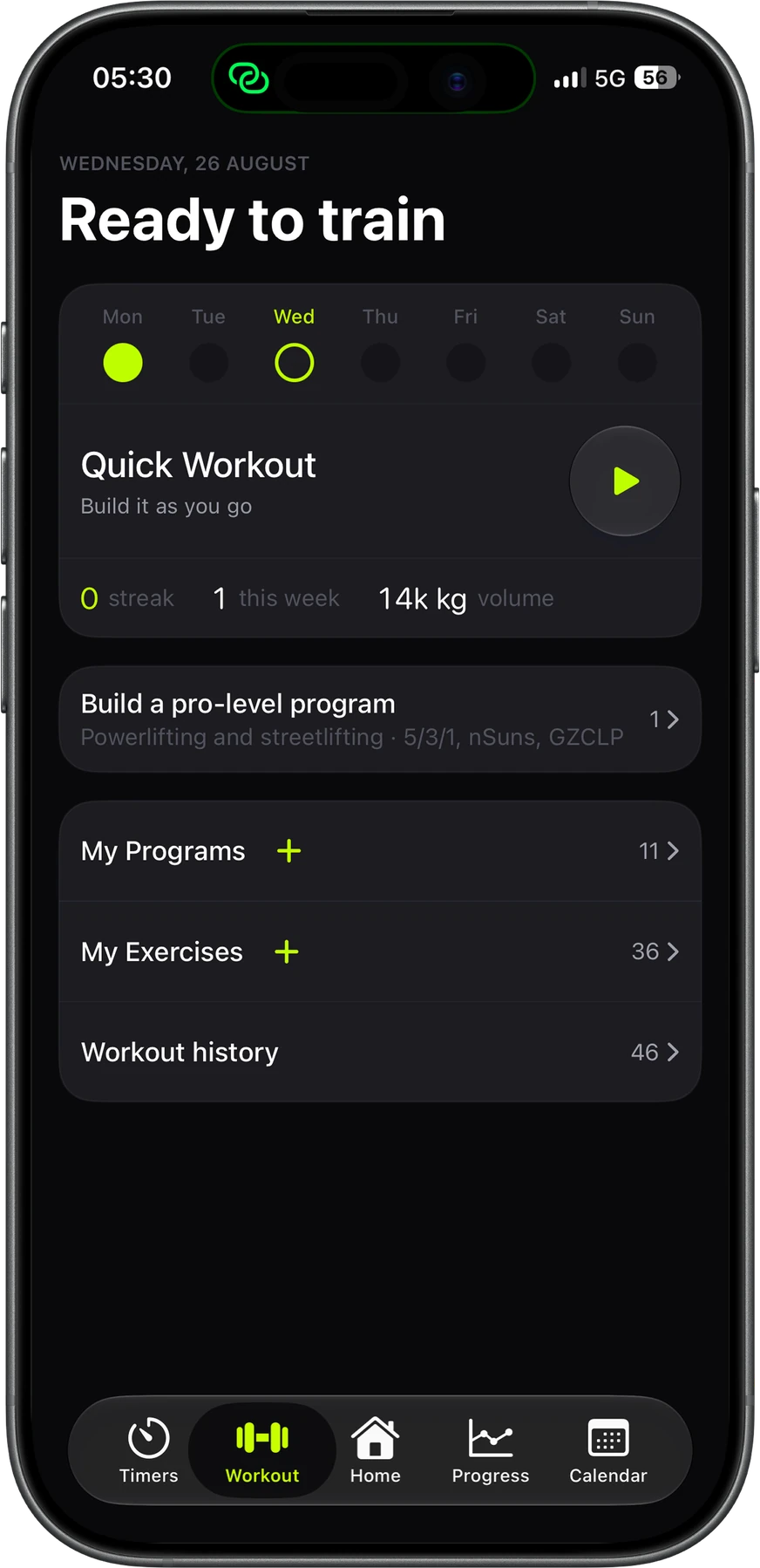
No more spreadsheets for your program, separate timer apps or notebooks for PRs. Here's a normal training week and what Strenos does for you in it.
Logging, the Apple Watch app and records from your sets are free for good. Week one of every program is free too. No ads, and nothing you log ever gets deleted.
 On a computer? Scan with your iPhone
Before you train
Set it up once and you'll never open a calculator before a workout again.
-
01 / 04
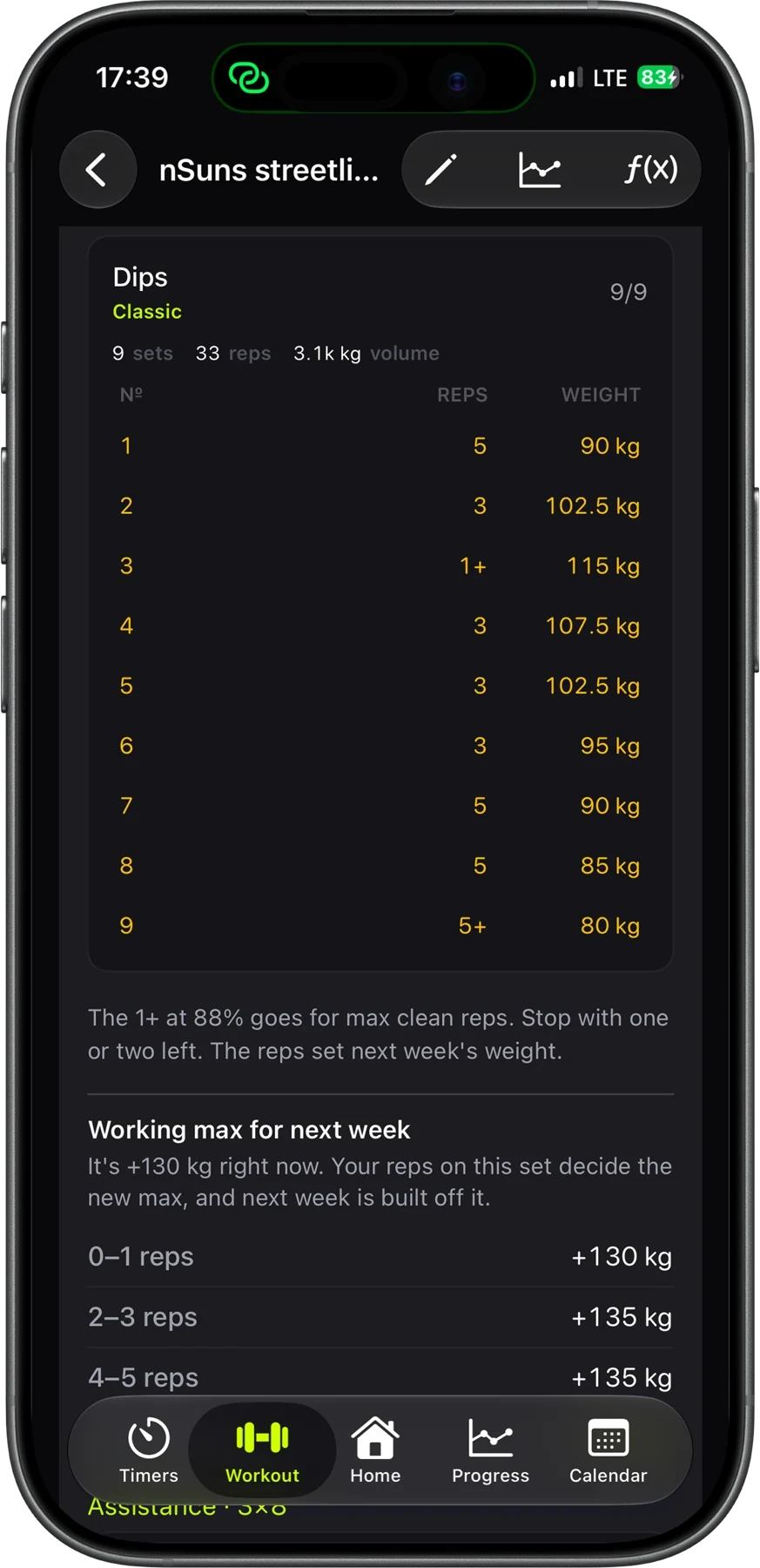
Five programs that handle progression for you
Strenos runs 5/3/1, nSuns, GZCLP, Texas Method and Smolov Jr by their authors' rules. Enter your max for each lift once, and you'll know the weights, sets and reps for every session before you leave the house.
-
02 / 04
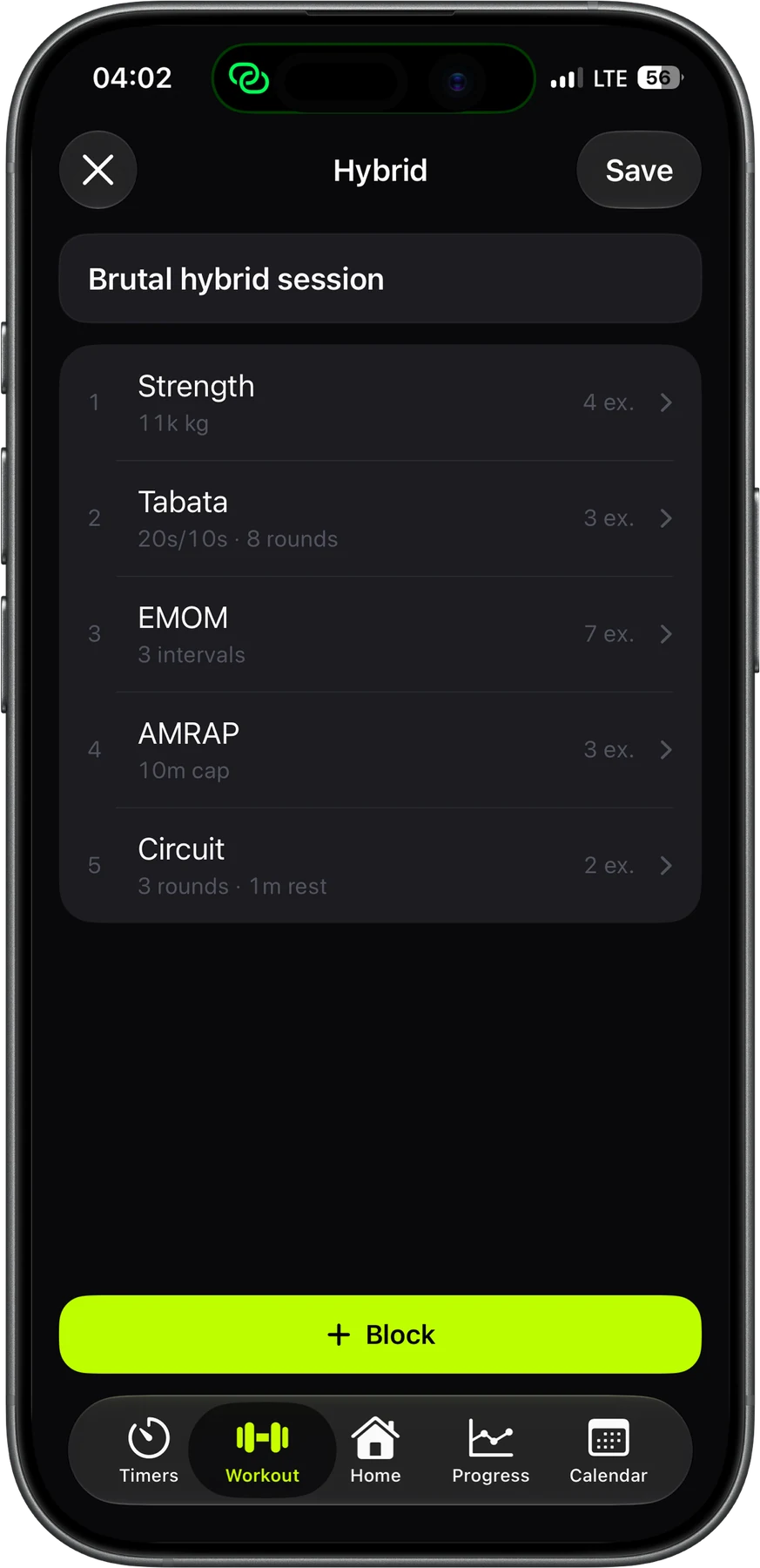
Build the workout you want
Start with heavy sets, then add a Tabata, an EMOM, an AMRAP or a circuit, and it all counts as one workout. Each block has its own timer, which counts rounds in an AMRAP, laps in a circuit and intervals in an EMOM.
-
03 / 04
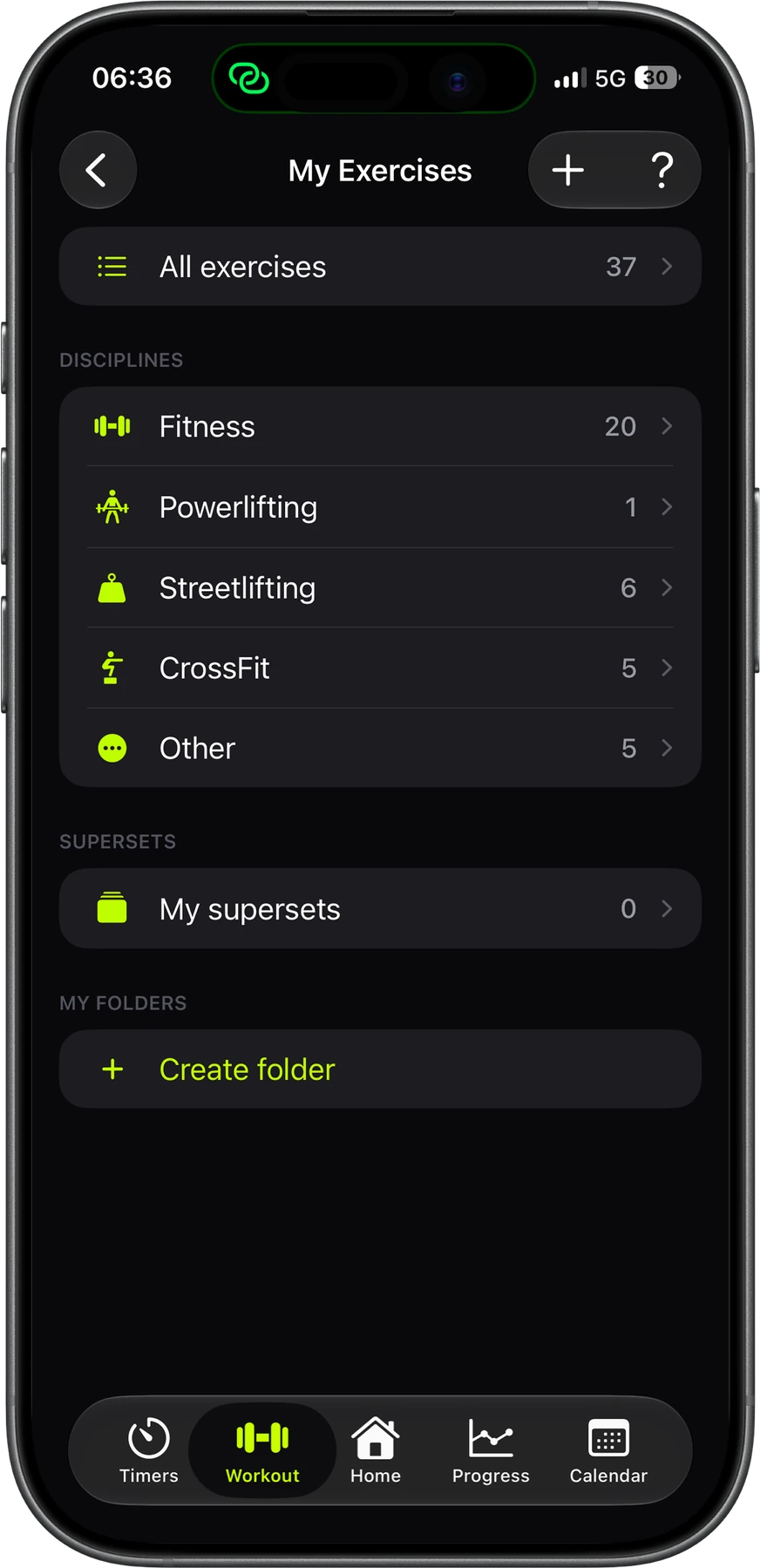
Your own exercise library
Add any exercise and its variations, your own included, and sort them by discipline: fitness, powerlifting, streetlifting or CrossFit. Track each one in reps, minutes, calories or meters.
-
04 / 04
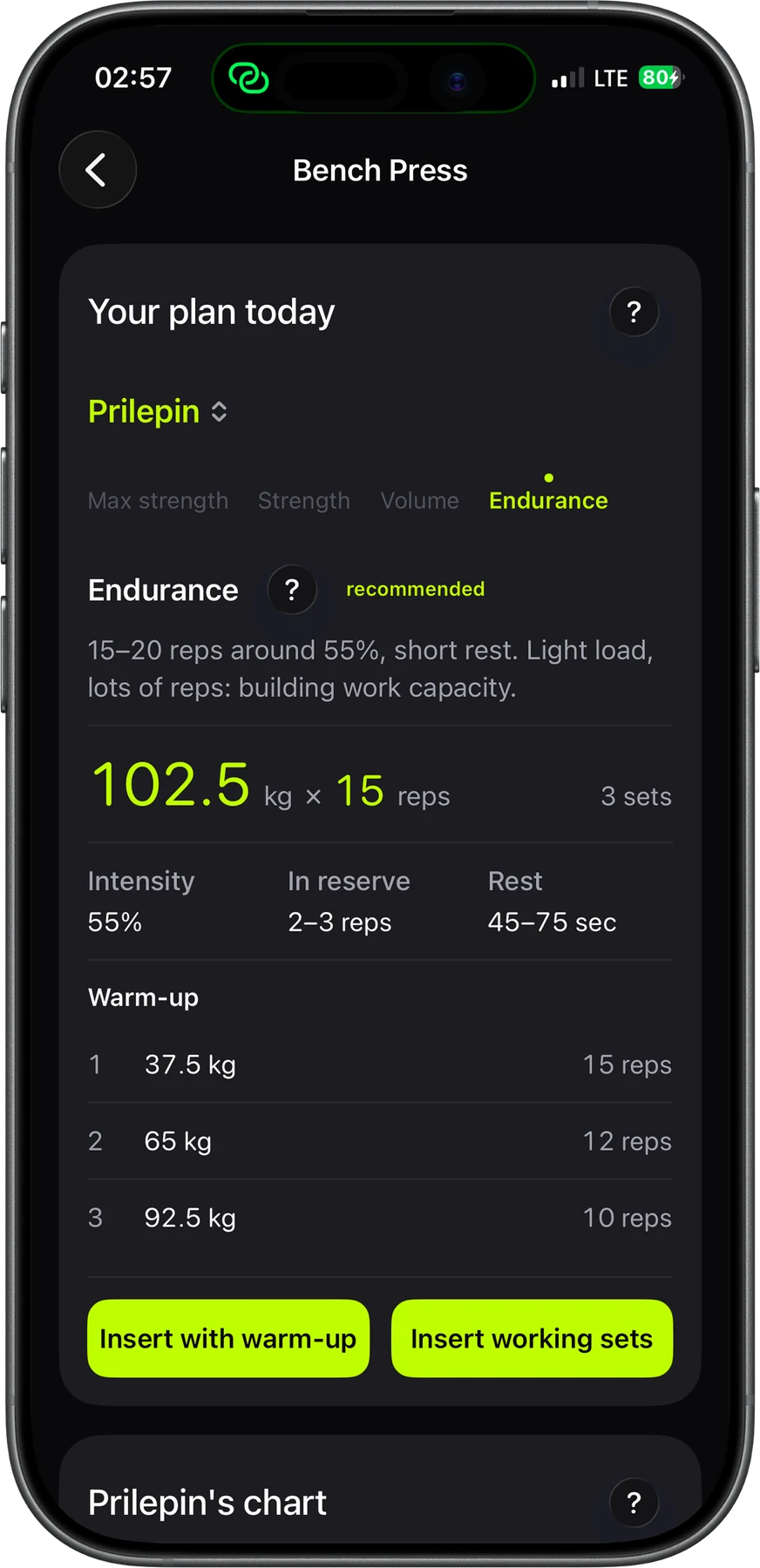
What to put on the bar today
Open a lift's dossier. Strenos looks at your past sessions and recovery, then suggests the weight, sets, reps and rest. It works from Prilepin's table or the RTS approach: one heavy top set, then back-off sets. It also builds your warm-up and tells you why it picked those numbers.
While you train
The screen shows only the set you're on. The weight is already rounded to your gym's plates, and rest starts by itself. All you do is lift.
-
01 / 04
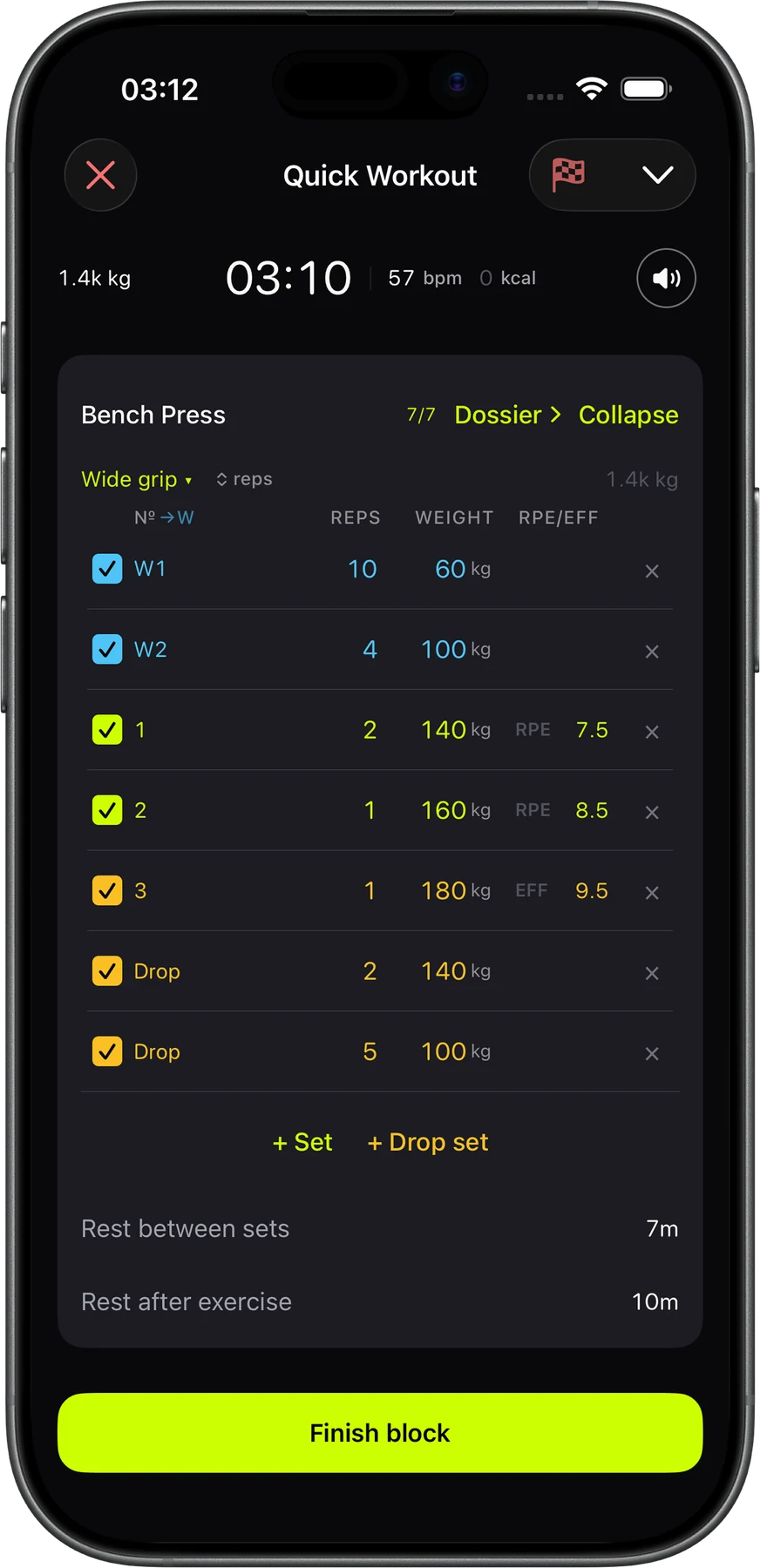
Tick the set, rest starts
Each set is just weight, reps and a checkbox. Warm-ups show in blue, working sets in lime and drop sets in amber. You can add an RPE or effort score to any set.
-
02 / 04
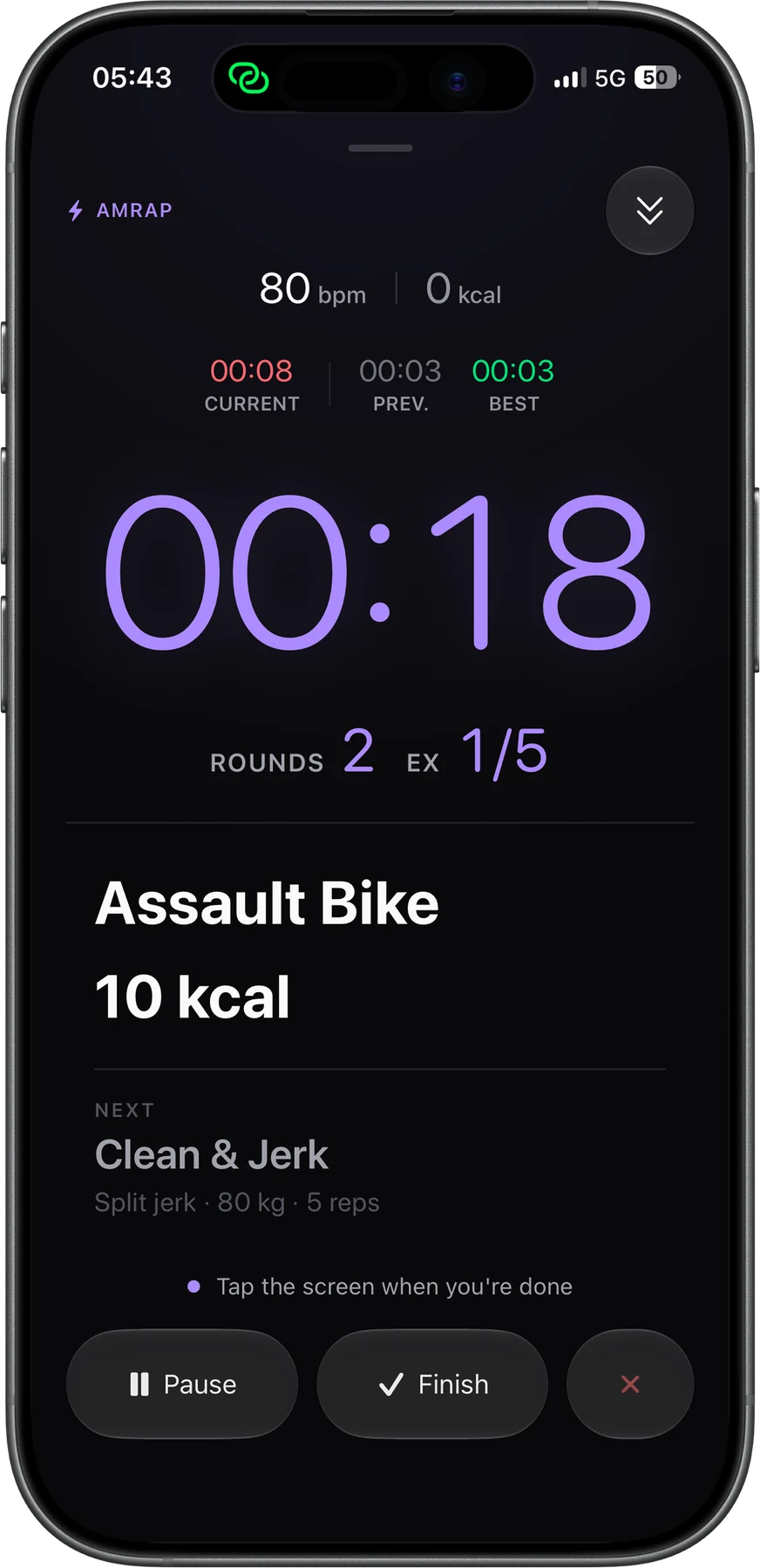
A timer you can read from the floor
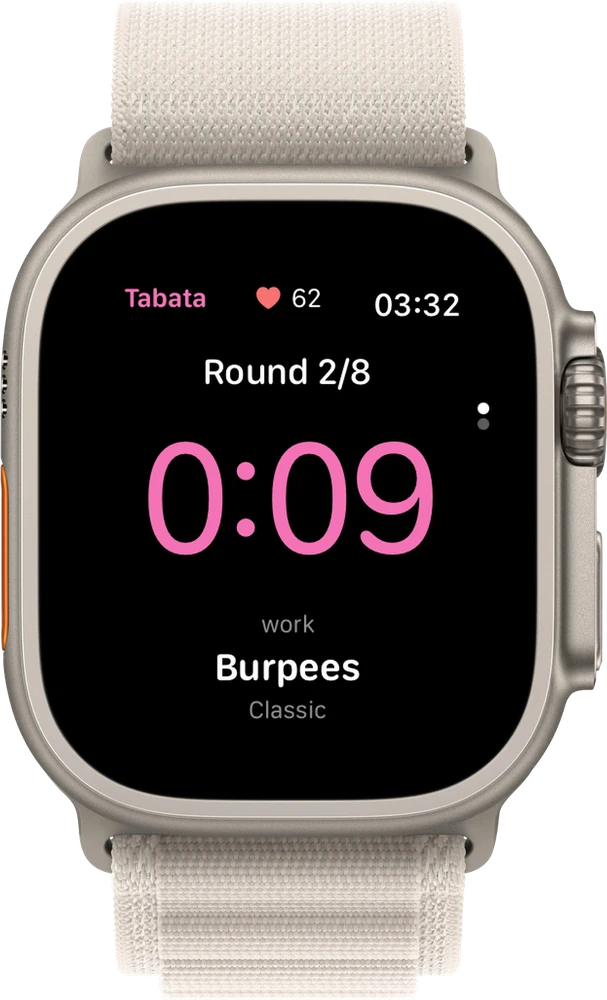
Tabata, EMOM and AMRAP fill the whole screen with the round, the time, your heart rate and the next movement. Live Activity keeps the clock on your Lock Screen and in the Dynamic Island.
-
03 / 04
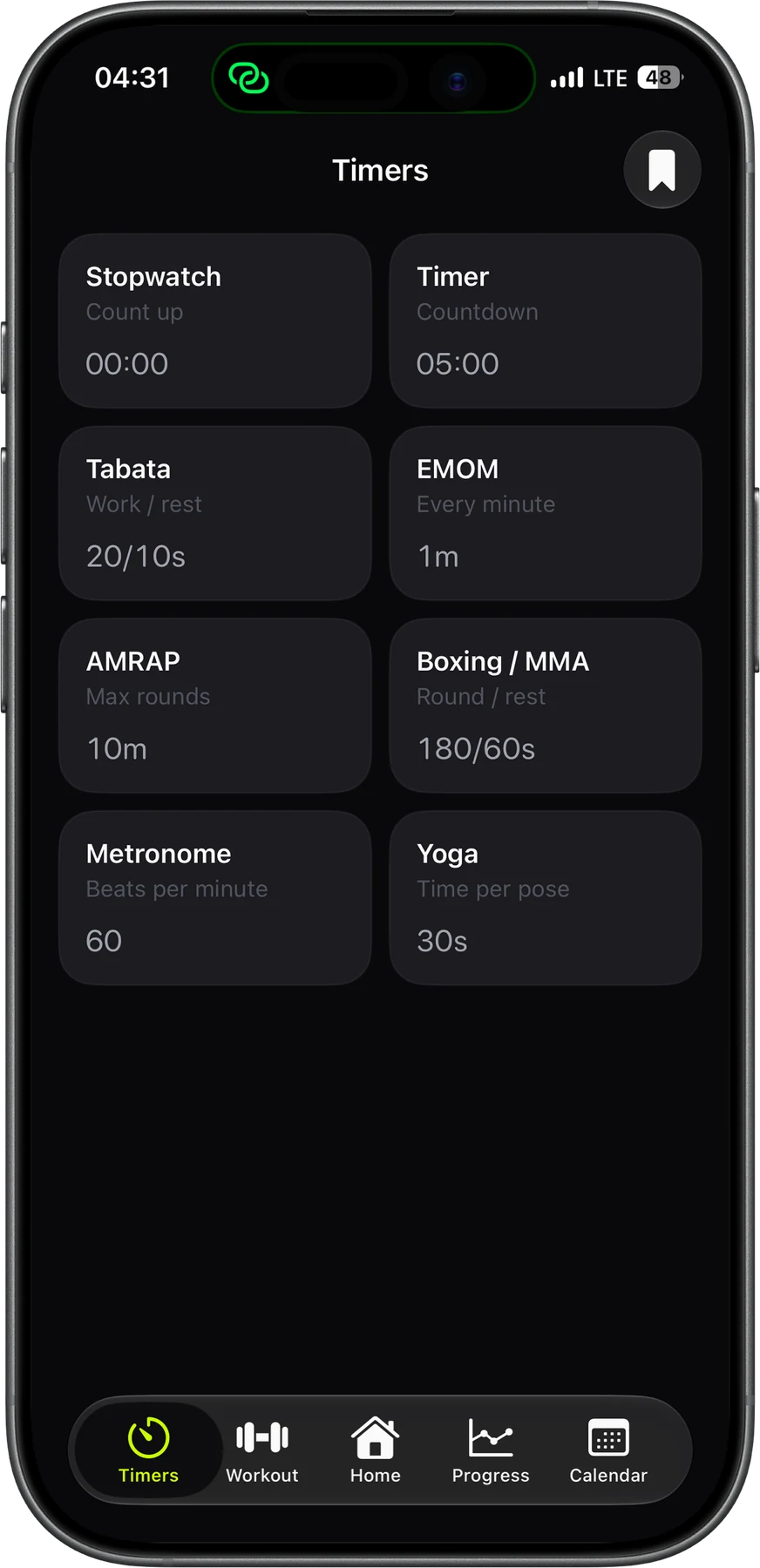
Eight timers, no workout needed
There's a stopwatch, countdown, Tabata, EMOM, AMRAP, boxing rounds, a metronome and yoga. Each one has its own settings and sound cues.
-
04 / 04
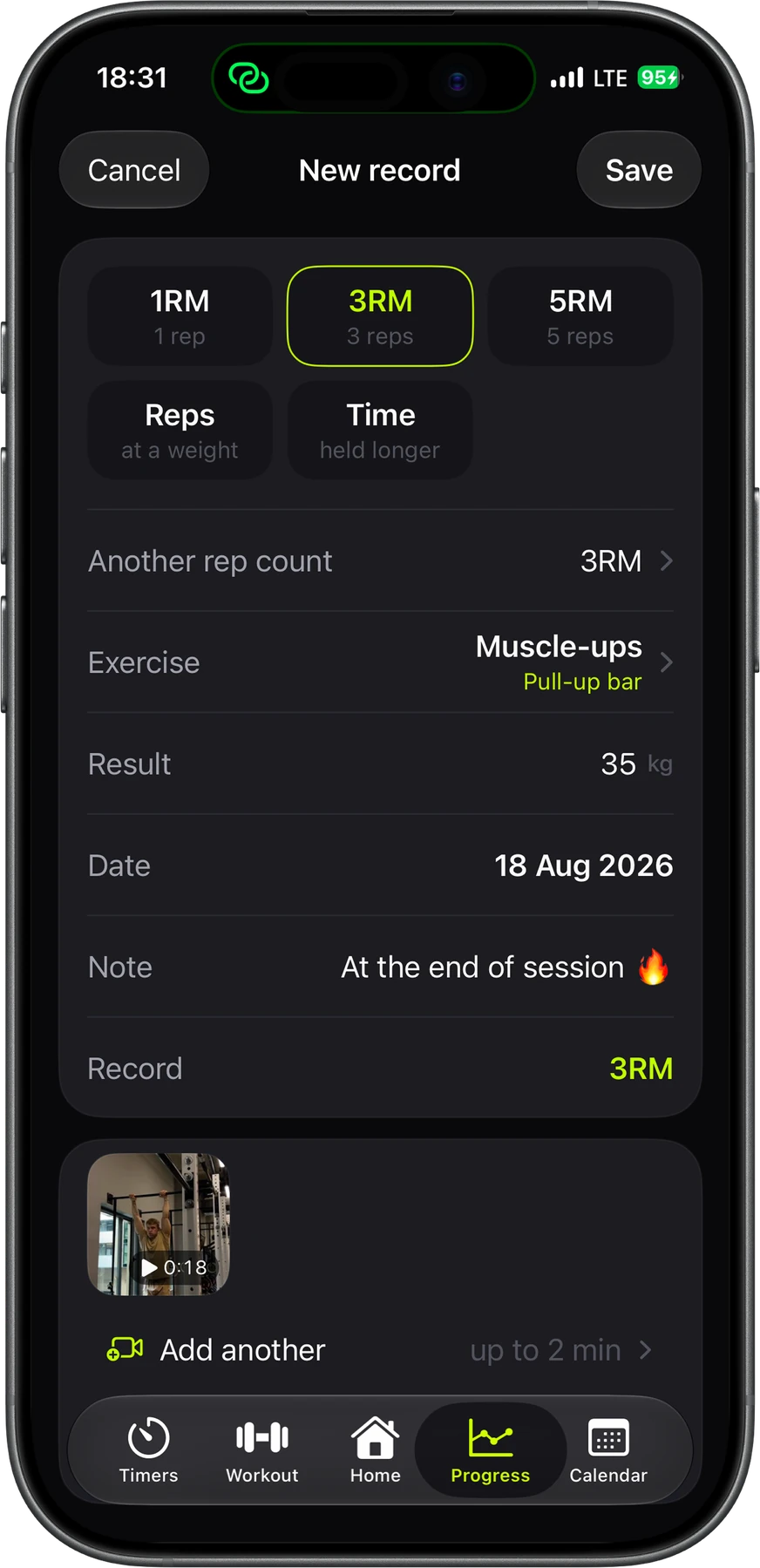
Records you never log twice
After a workout, Strenos shows the sets that could be records and saves the ones you tick. That covers any rep max, max reps at a weight, timed holds and your own measures, and you can attach a video of the attempt.
Leave your phone on the bench.
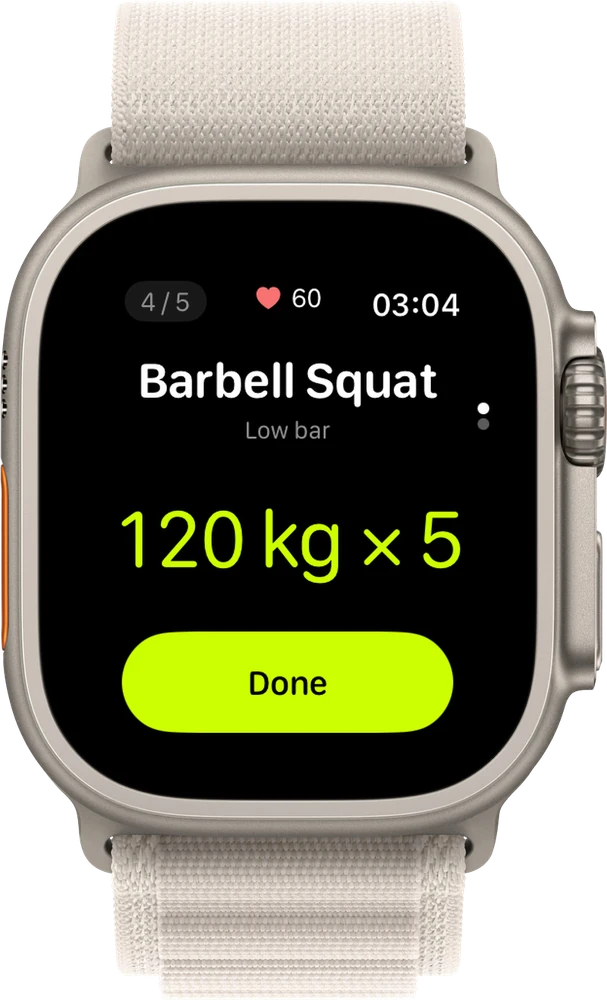
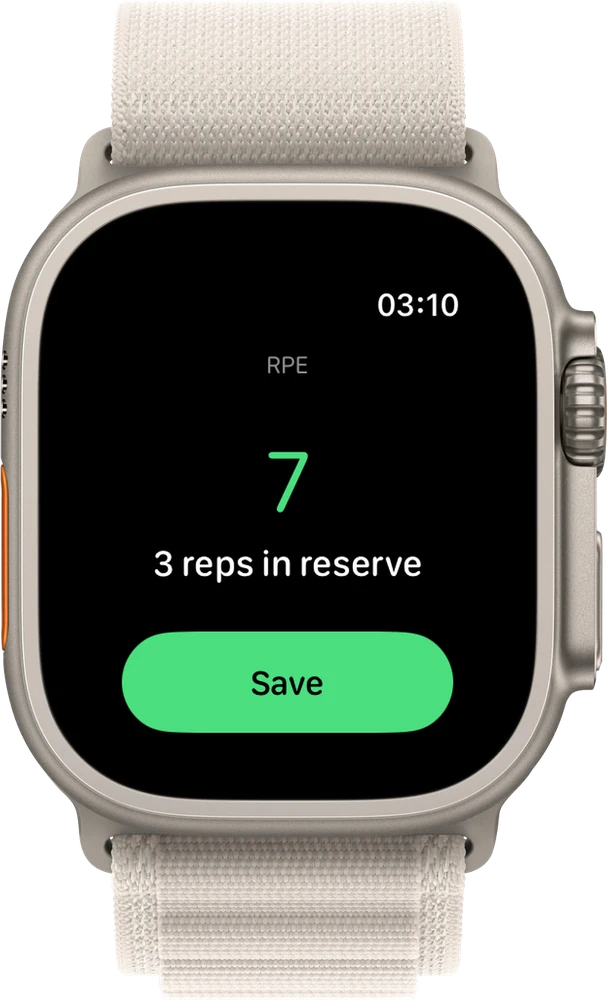
Start the workout on iPhone, then run it from Apple Watch. Close sets and rate how hard they felt. Cut or add rest and keep an eye on your heart rate.
After you train
Every set you log adds to a clear picture of your progress, and Strenos explains every number in plain words.
-
01 / 05
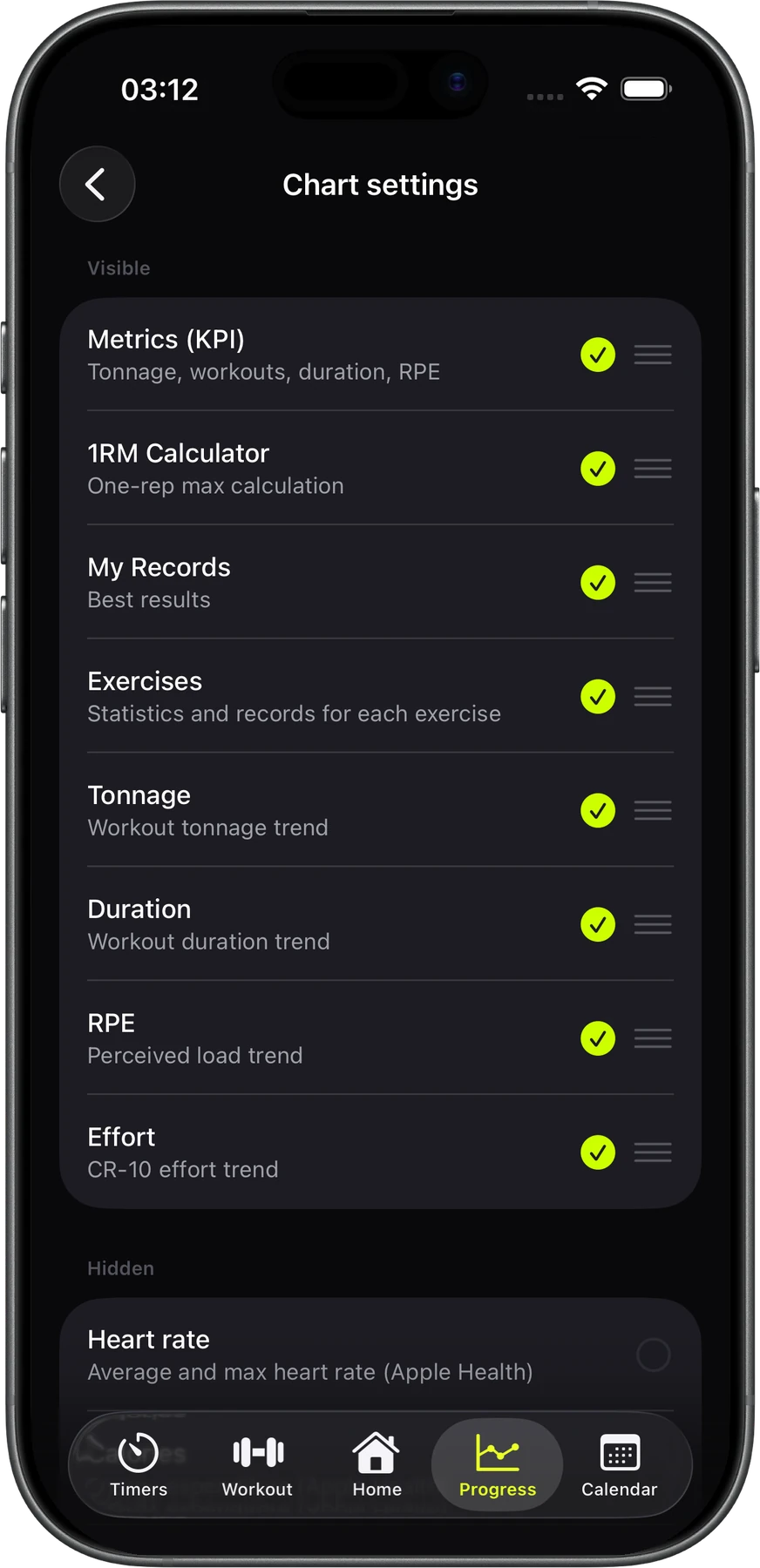
A Progress tab you set up yourself
Turn on the cards you care about and drag them into the order you like: form index, load balance, tonnage, duration, RPE, effort, heart rate and calories.
-
02 / 05
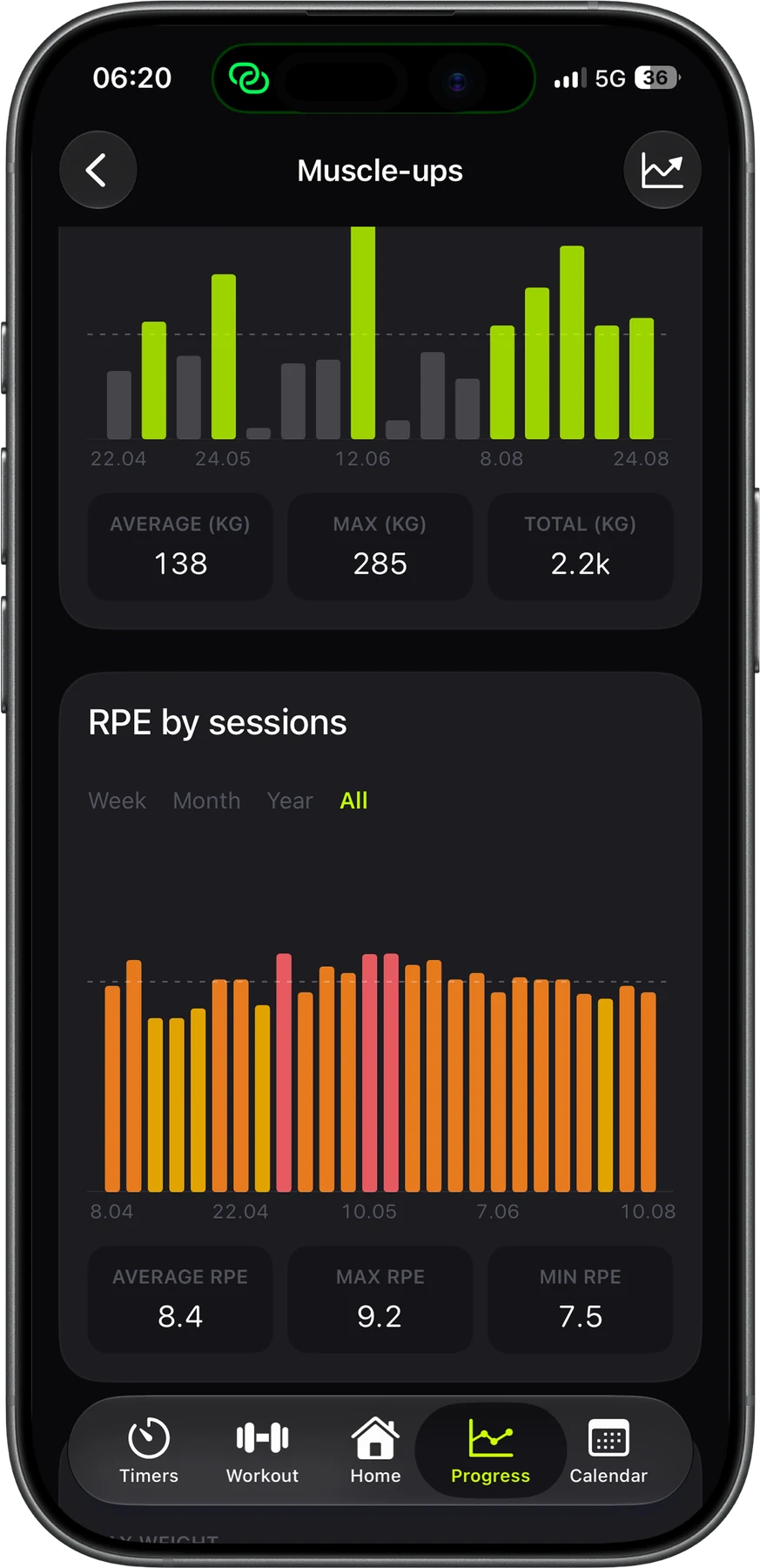
Stats for every lift
See your max weight and how much it went up this month, along with tonnage, average RPE, reps, sets and sessions per week. The charts show every session.
-
03 / 05
See where the program is taking you
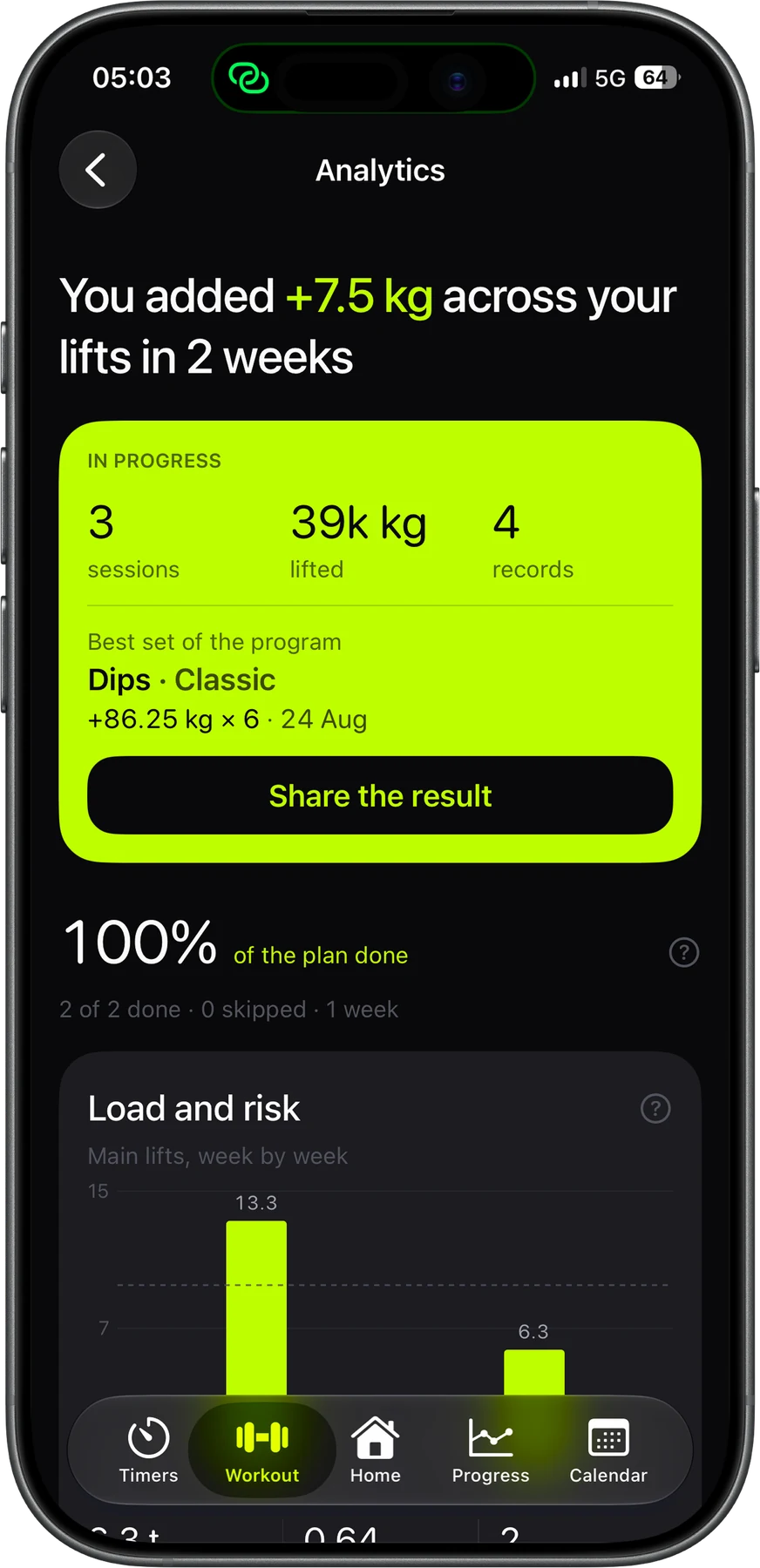
Watch your working max change week by week and see what your plus sets proved. Strenos compares your load with your 4-week average and shows where you'll be if you keep this pace.
-
04 / 05
A readiness score that shows its work
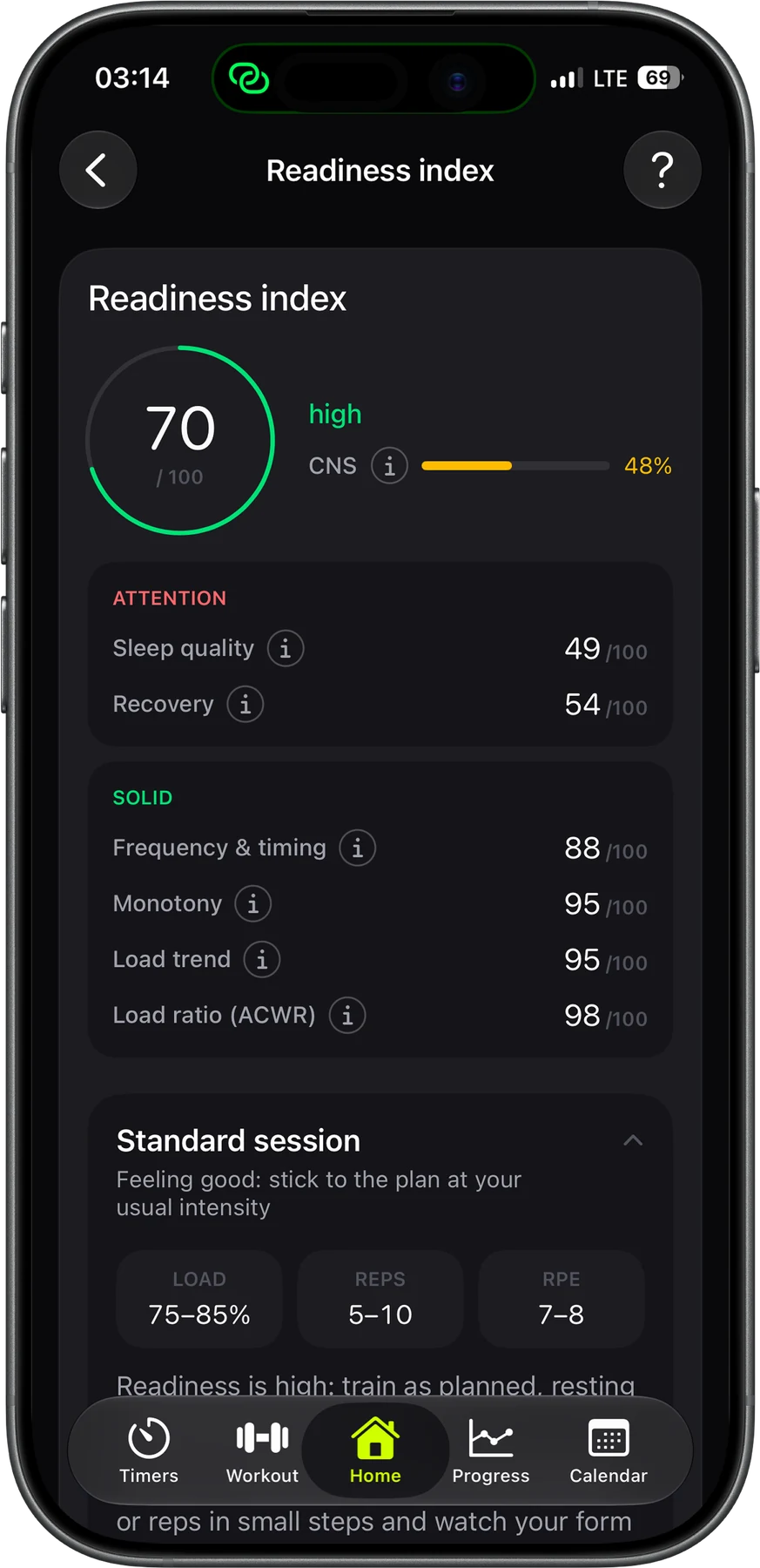
Recovery, load ratio, sleep quality, monotony, load trend, frequency and timing, plus your CNS reserve, add up to one score a day. It tells you to push, hold or back off, so you know when to go all in and when to save it.
-
05 / 05
Track your body too
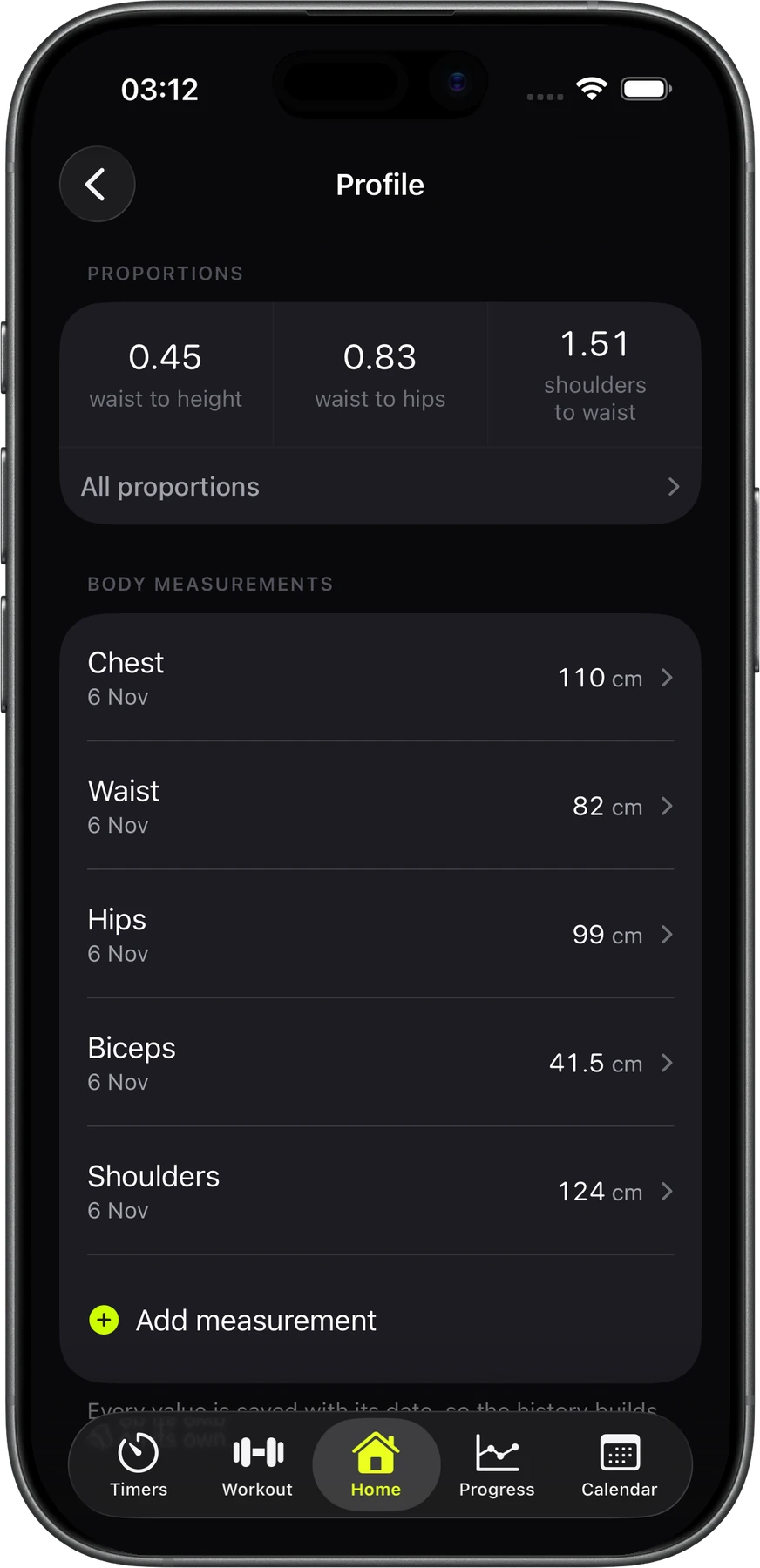
Log your chest, waist, hips, biceps, shoulders and any measurement of your own, each with its own chart. Strenos works out your waist-to-height, waist-to-hip and shoulder-to-waist ratios and shows them next to your BMI.
Your history is never deleted.
Your workouts live on your phone and in your own iCloud. We don't keep them on our servers. Strenos works without a signal, sends every finished workout to Apple Health and saves a full backup to a file whenever you want.
- Units
- Kilos or pounds, switch anytime
- Rounding
- Every weight is rounded to the smallest plate in your gym
- Sync
- Everything syncs through your own iCloud
- Offline
- Works without a signal, even in a basement gym
- Apple Health
- Every finished workout is saved there
- Backup
- Workouts, programs and records saved to one file
- Lock Screen
- The timer stays on the Lock Screen and in the Dynamic Island
- Widget
- Readiness or water intake right on your Home Screen
Questions about the app
What's free?
Strength workouts, the Apple Watch app, building programs, the readiness score, records from your sets and body measurements are free for good. So are the stopwatch, countdown and Tabata timers. Plus removes the monthly limits and opens your full history, every chart range and stats for every lift.
Do I have to hold my phone the whole workout?
No. Start the workout on iPhone, then run it from Apple Watch. You can close sets, log RPE, skip or add rest and check your heart rate right on your wrist.
Kilos or pounds?
Either, and you can switch anytime. Strenos rounds every weight to the smallest plate in your gym, so pounds never show up as converted kilos with weird decimals.
Can I move my data to a new phone?
Sign in with the same iCloud account and everything syncs on its own. You can also go to Settings, then Backup and data, save everything to one JSON file and restore it later.
Is there a one-time purchase?
Yes. You can get Plus monthly, yearly or as Lifetime, which you pay for once and keep for good.
Read before you load the bar
All guides 6 min readBBB vs FSL: which 5/3/1 supplemental template to runBBB is 5x10 at 50–60% of your working max and builds size. FSL is 5x5 at your first-set weight and builds strength. Here's how to choose.
 6 min readnSuns 4-day vs 5-day: which one to runThe 5-day nSuns adds an overhead press day with its own 1+ set, plus 25% more sets. Start with the 4-day unless your press is lagging and you recover well.
 7 min readGZCLP failure protocol: what to do when you miss repsMissed reps on GZCLP? Keep the weight and drop a stage. T1 goes 5x3+, 6x2+, 10x1+ and T2 goes 3x10, 3x8, 3x6. Here's how each reset works.

Your next set is already worked out.
Strenos runs five programs on iPhone and Apple Watch. You log sets on your wrist, and the weights are ready before you chalk up.
Free on the App Store.